Top 15 Flutter Tools that you should know

Panache
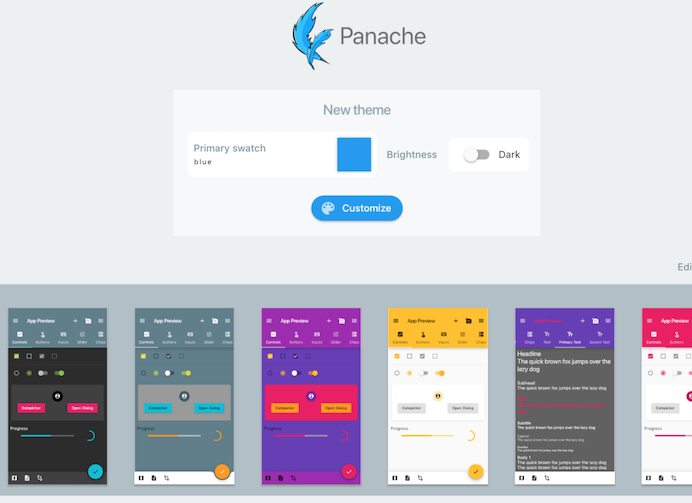
Panache is one of the most popular Flutter tools in recent years. It’s used by over 40 million developers worldwide. Panache enables you to make customized material themes for your Flutter apps. You can customize widgets, colors, shapes, and everything about your theme.
Using Panache is very easy to understand. Go to the Panache Website to customize your app theme, download theme.dart file, and add the theme to your flutter project. That’s all!
Adobe XD Plugins
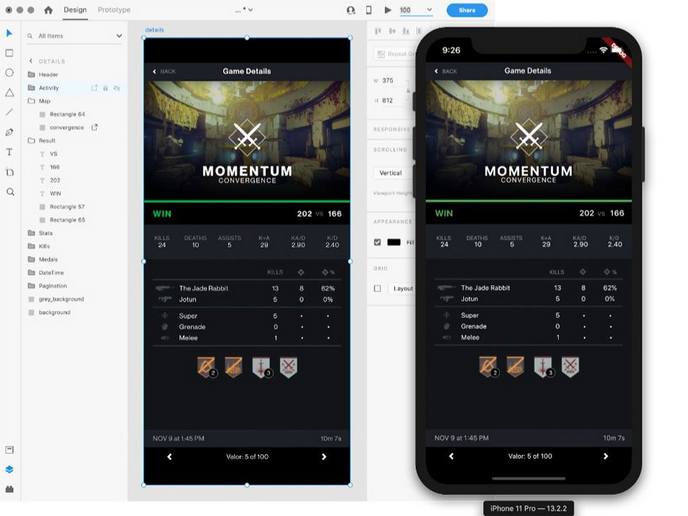
As you know, Adobe XD is a design tool for web apps and mobile apps. Adobe XD is the easiest way to design UI and UX. You create the design, and Adobe exports the code for you.
The good news is that Adobe XD supports Flutter from early 2020. That means you can design your application with Adobe XD and it generates the dart code for you.
You can find the usage documentation on the Github Repo page.
Firebase
Firebase is a highly used backend platform that’s developed by Google. With Firebase, you can power your app’s backend, including data storage, user authentication, real-time database, static hosting, cloud messaging, push notifications, and much more.
If you are new to Flutter, we highly recommend the Firebase platform because there are many documentation articles and a thousand example projects on Github. To start using Firebase, you can take a glance at this Google CodeLabs.

Codemagic
Codemagic is one of the most efficient ways to boost your Flutter app development process. It helps in automatic code signing, allowing smooth development and deployment of flutter applications. Also, with Codemagic, you can test and release your flutter apps with no configuration. It can automate the whole build process, test, and release process of your flutter apps. Using Codemagic is surprisingly not too hard. You can read this Medium article to use Codemagic with your Flutter application.

Square
If you are interested in e-commerce or anything you can sell in your app, you shouldn’t miss the Square tool. Square is an in-app payment management platform. It offers better assistance in taking care of any sort of payment processing technicality for you with an in-app payment feature.
Using its Flutter SDK, you can start receiving in-app payments effortlessly via an easily customizable user interface with built-in support for storing cards and online wallets.

WonderPush
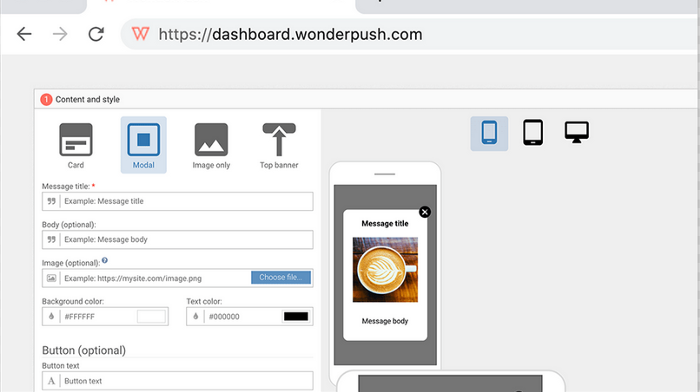
WonderPush is a push notification and in-app messaging implement that you can utilize in your Flutter app to boost your users’ engagement. It provides a plethora of powerful features, including segmentation and targeting, geo-targeting, and A/B testing for a meager price.
Appetize
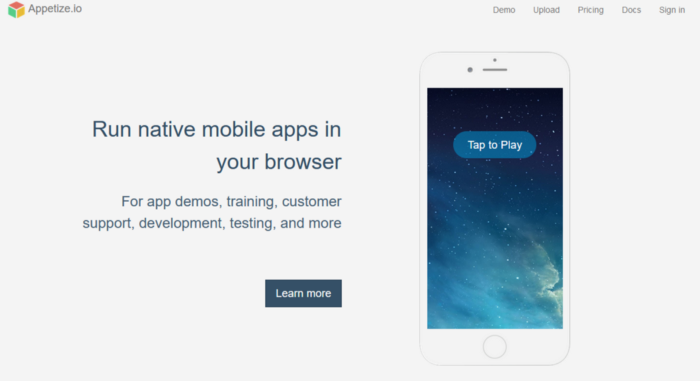
Appetize is an online web-based android Emulator and iOS simulator for when you want to run native apps in the browser. It is handy for customer support, training, development, testing, and app demos. You can utilize it to make the introduction procedure more effective.
It’s easy to upload your application to Appetize cloud, but you can use it via API. To start using Appetize, you can check out this article.
Count.ly
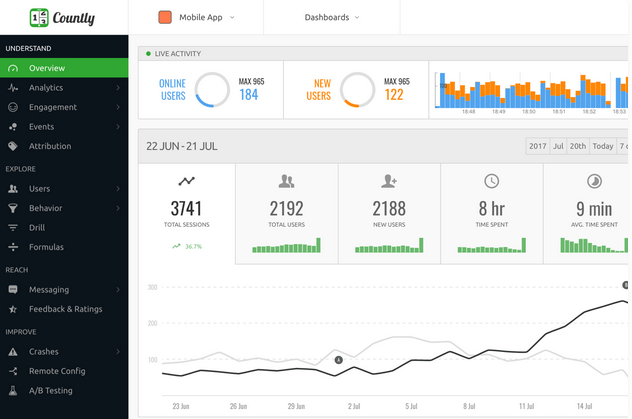
Count.ly is an open-source analytics platform that focuses on the security and privacy of your data. It helps explore user behavior on an individual level of detail and enables you to retrieve and analyze every detail about your customers by trackings actions utilizing custom events.
The paid version of Count.ly provides an increased set of metrics and other features like A/B testing and push notification features.
Dartpad
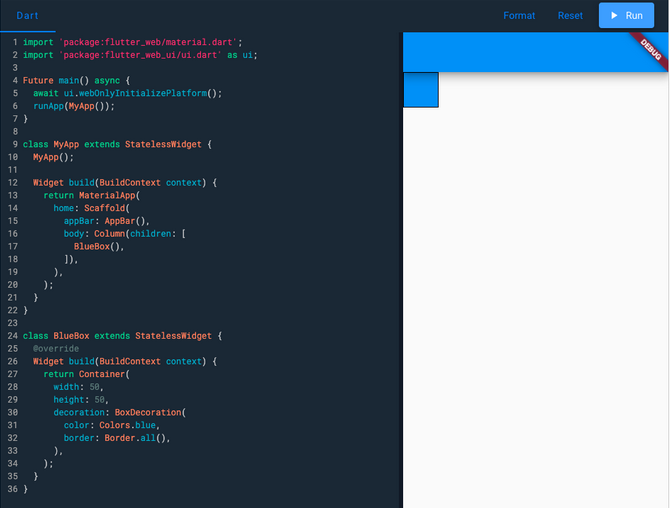
DartPad is an online dart language editor that runs Dart Programs directly into your browser. You can run your flutter application on it, so you don’t have to install the Flutter SDK into your computer to run your app. It’s an open-source project that’s getting better day by day.
You can take a look at this article to start with Dartpad.
Vysor
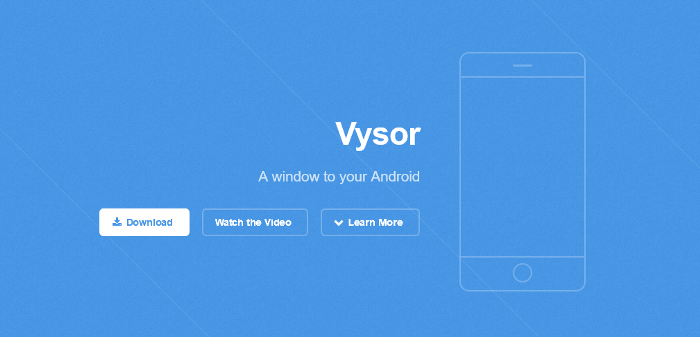
Vysor gives you the integration and ease of an emulator on a physical device. It makes it simple for you to see the screen activities of a device on the computer. With the free version, you can connect your phone via USB cable and use your computer’s keyboard and mouse to control your phone. Also, if you buy the Vysor Pro version, you can connect by wireless as well.
Visual Studio Code
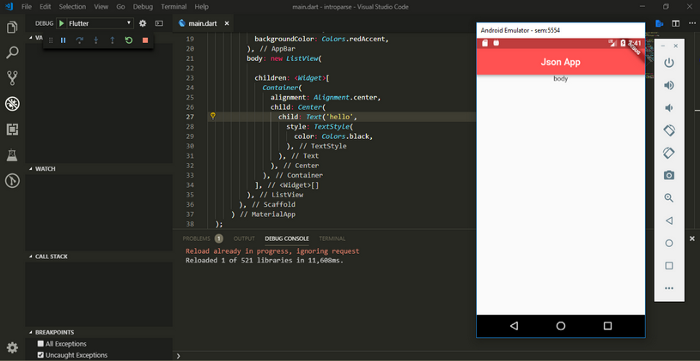
Visual Studio Code is a freeware source-code editor developed by Microsoft for Windows, macOS, and Linux. Even though it’s such a light application, you can do debugging, syntax highlighting, snippets, and code refactoring. And it also supports Git.
And, good news, it supports Flutter as well! That means you can review, edit and also run your application in an emulator. To start, you can check this Flutter Article.
Amplitude
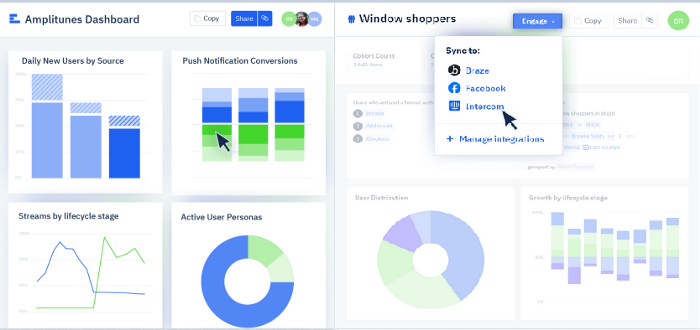
If you have bigger plans, this famous in-application analytic tool helps you uncover how your clients interact with your app. As of now, it’s a pretty popular Flutter designer tool that helps you screen and track a wide range of information and connects with each actively installed application, working to help you make the right moves based upon your captured data.
Screenshots
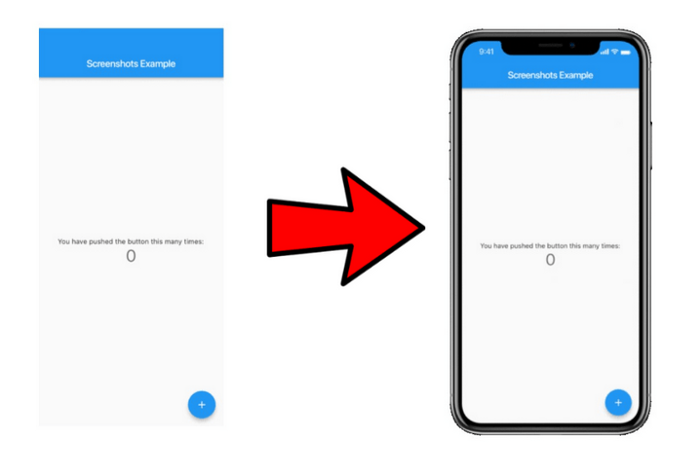
Screenshots is a standalone command-line utility and package for capturing screenshot images for Flutter. Screenshots will start the required android emulators and iOS simulators, run tests, process the captured screenshots, and drop them off to Fastlane for delivery to both stores. You can integrate Screenshots into your Flutter application by following the instructions in the GitHub repo.
Localazy
Localization is the process of rendering your app’s content into other languages and customizing your app for each target market that you want to support. Localization of a Flutter application can be challenging and tedious because you need to create local files for every language and fill them with content. This article will show you how you can easily handle the localization problem in your Flutter apps with Localazy.
Integrate your Flutter app now
Amazon Web Services
AWS Amplify is a set of tools and services for building secure, scalable mobile and web applications. Currently, Amplify supports iOS, Android, and JavaScript (web and React Native) and is the quickest and easiest way to build applications powered by Amazon Web Services (AWS).

Amplify Flutter brings together AWS Amplify and Flutter, and we designed it for customers who have invested in the Flutter ecosystem and now want to take advantage of the power of AWS.
Comments
Join the discussionNo comments yet. Be the first to comment.


